Junk file cleanup
Review cache, thumbnails, empty folders, and downloads. Select what you no longer need before cleaning.
 JunkCleaner Download
JunkCleaner finds junk files, large files, and similar photos, then lets you choose what to remove. File management and device tools are in the same app.
Free on Google Play for Android.
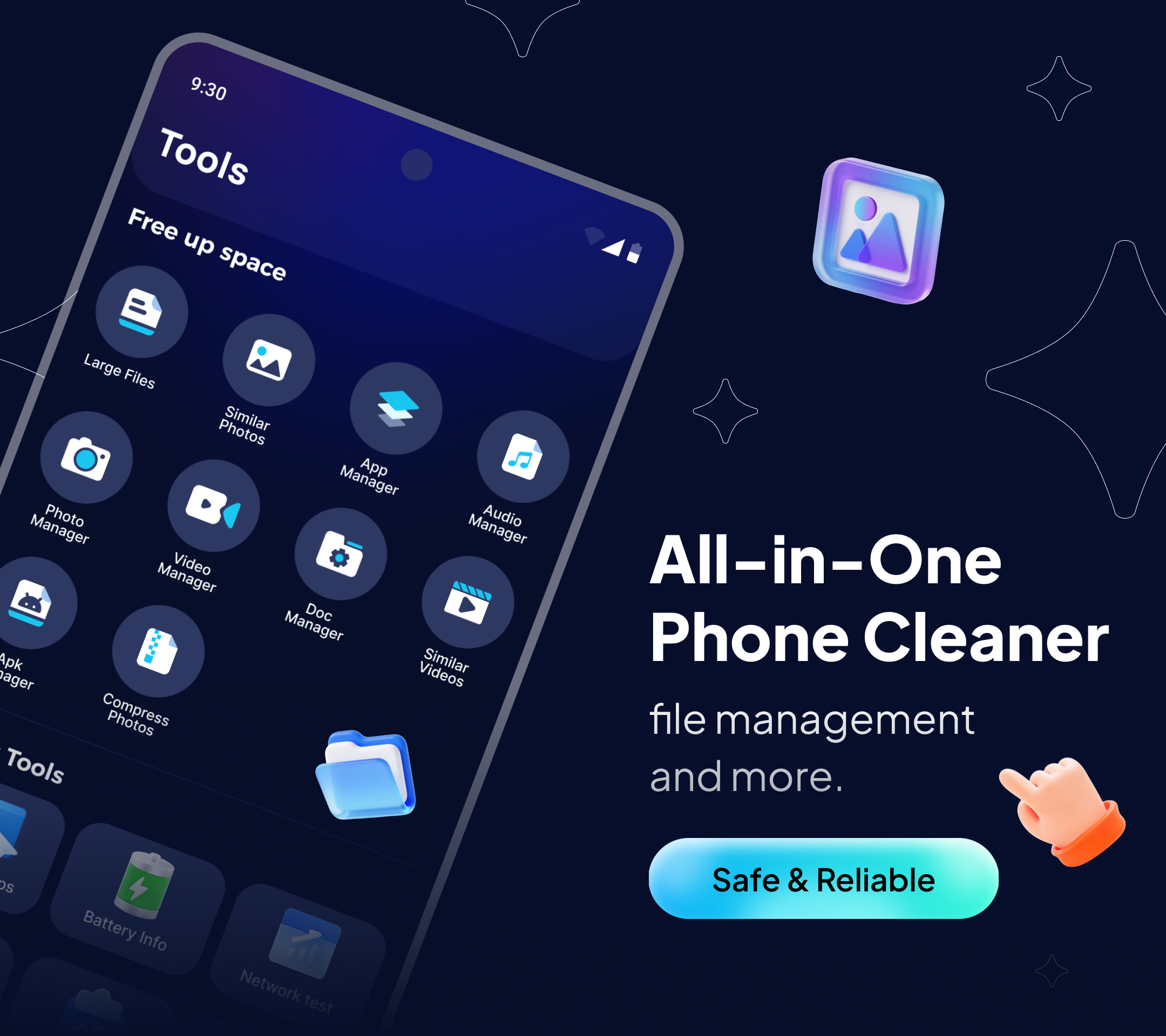
JunkCleaner shows what is taking up room on your phone. You pick what goes; everything else stays where it is.
Review cache, thumbnails, empty folders, and downloads. Select what you no longer need before cleaning.
Browse photos by date, review similar shots, and select the ones you want to delete.
Deletion needs your approval. Your personal data will not be deleted without your consent.
Four screens from the app: tools, cleaning, running apps, and photos.
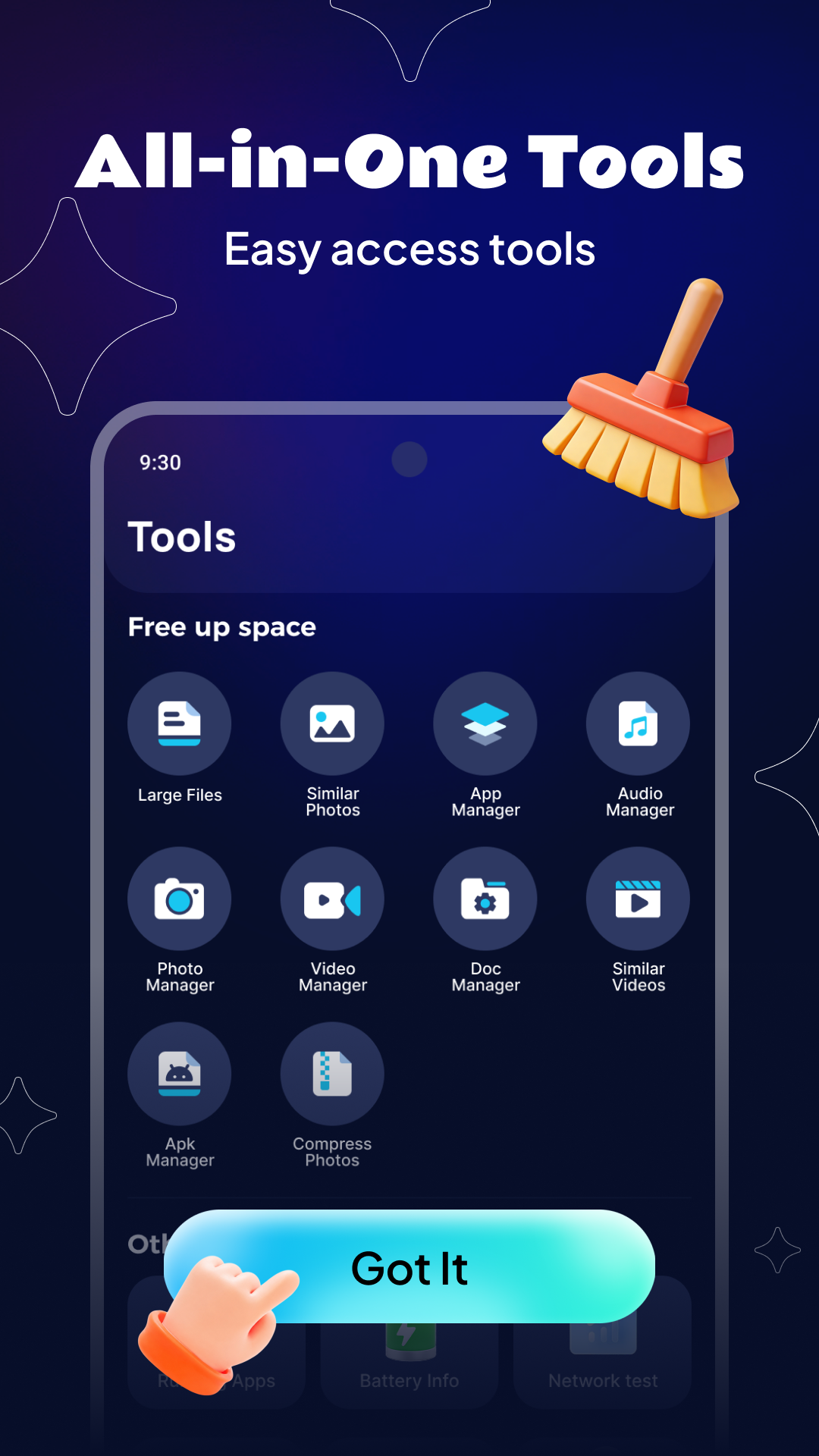
Open file management and device tools from one screen.
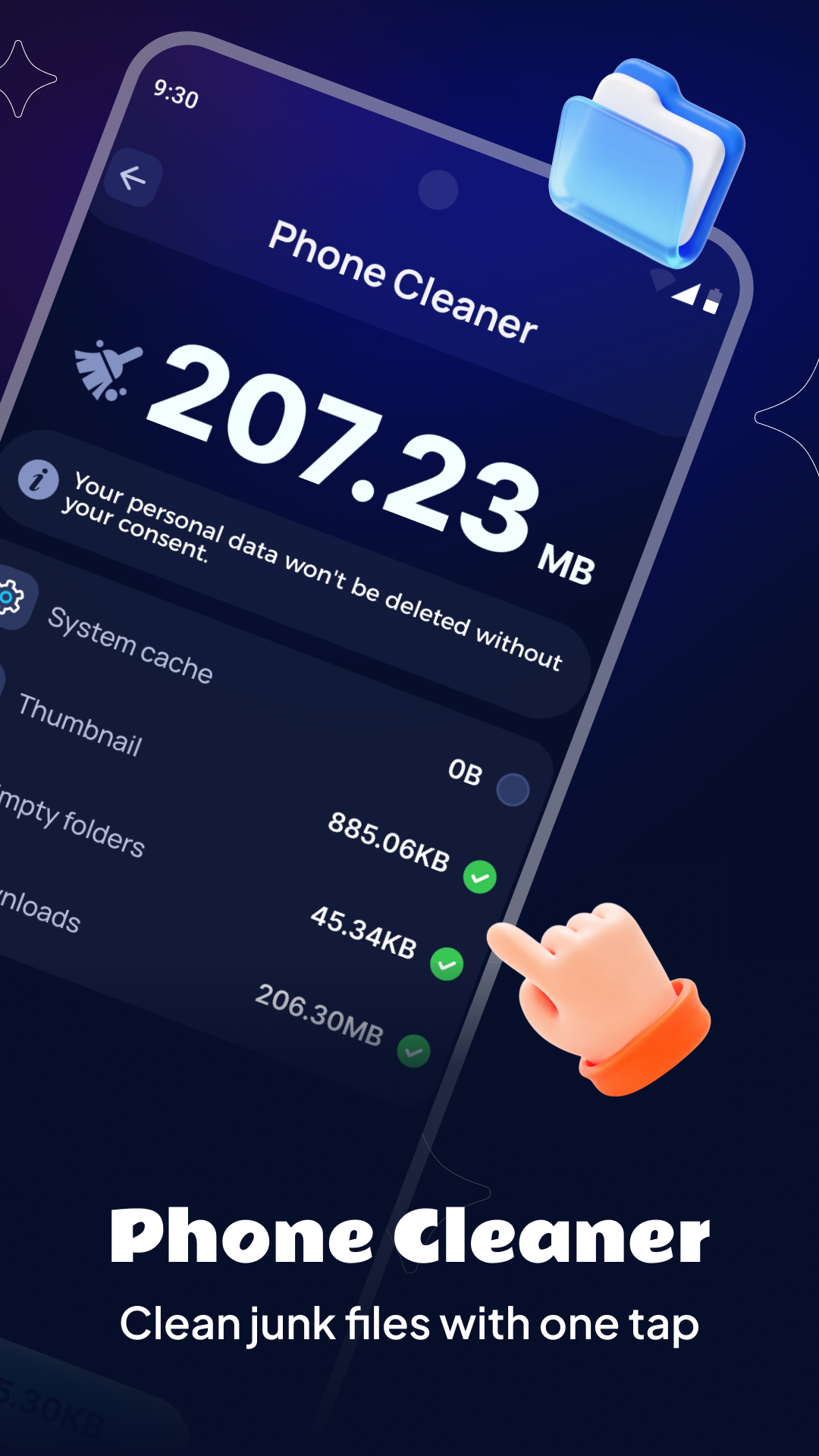
Review scan results and select files to remove.
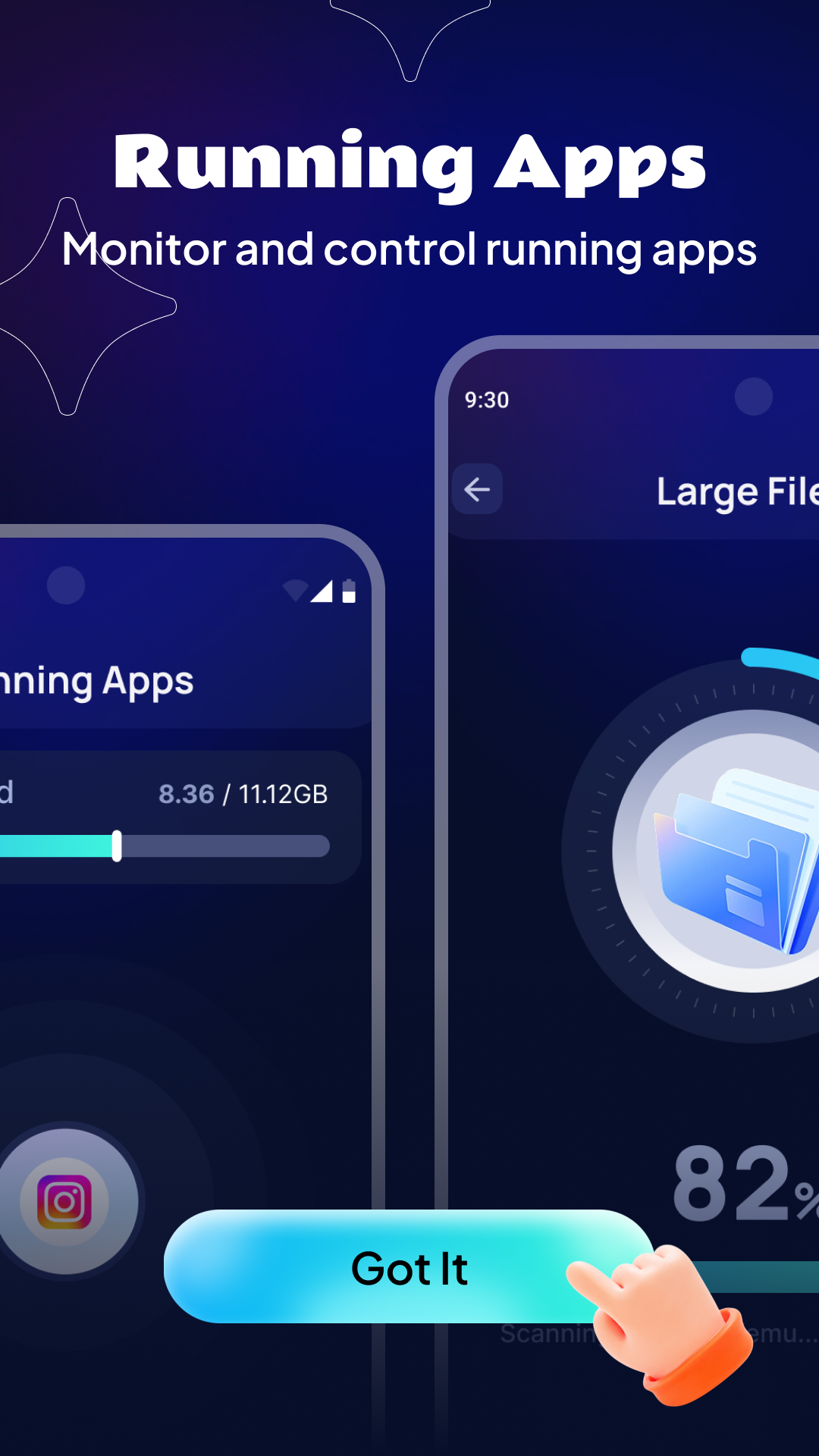
See running apps and memory usage.
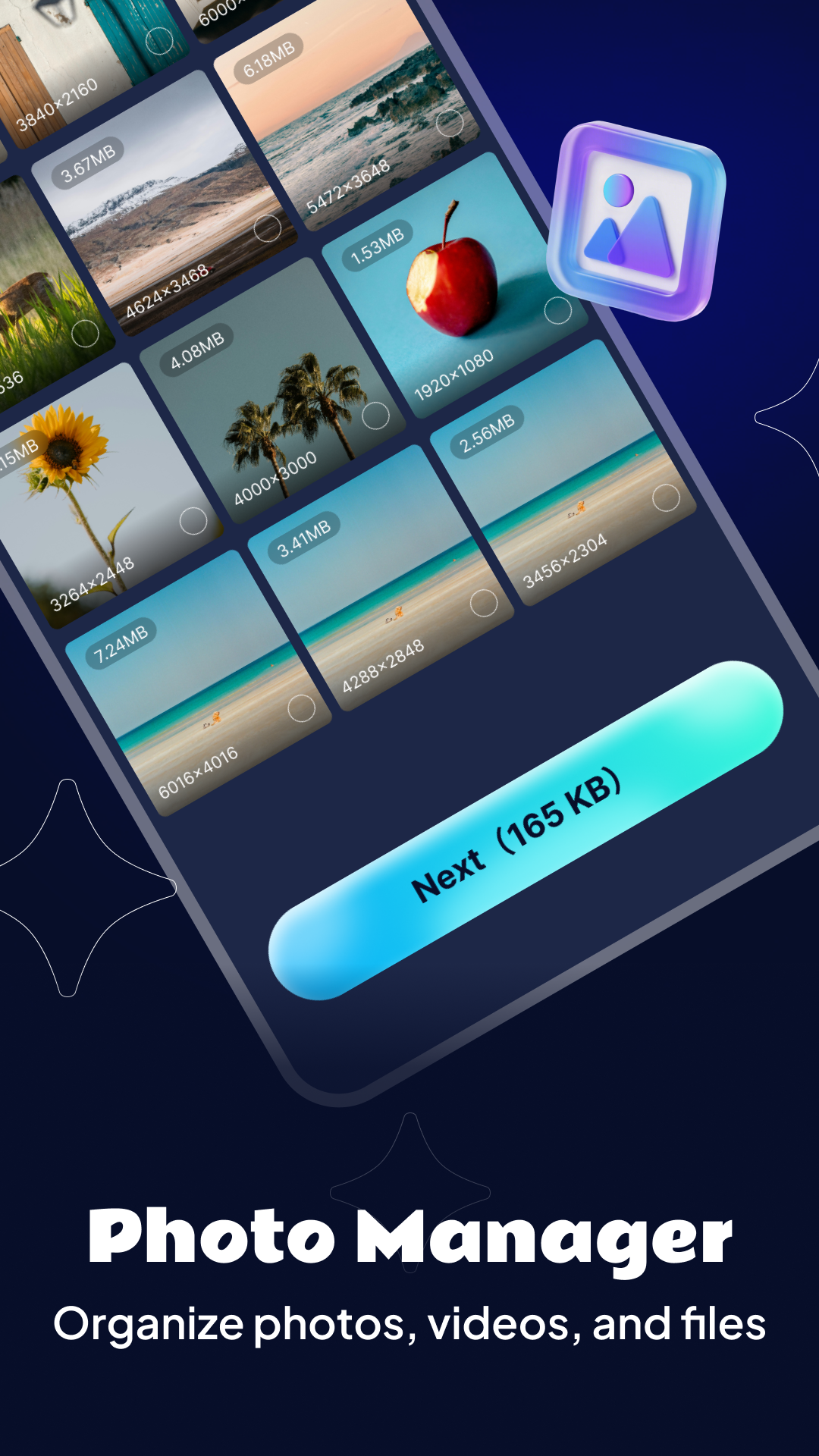
Browse and organize your photo library.
Swipe to see more screens
Manage files and installed apps, check battery details, and see device status without leaving the app.
Download JunkCleanerLarge files, videos, audio, documents, and APKs.
Browse your photos and review similar shots.
View running apps and memory usage.
Check battery details for your device.
Manage unwanted notifications in one place.
View device information and status.
Common questions about features, file deletion, and downloads.
JunkCleaner is an Android app for phone cleaning, file management, and photo organization. Review junk files, organize photos, manage large files, and open everyday device tools in one place.
Phone cleaning, large files, similar photos, and photo, video, audio, APK, document, and app management. Other tools include running apps, battery info, device status, and a notification blocker.
No. Review the scan results and choose the items you want to remove. Your personal data will not be deleted without your consent.
JunkCleaner is made for Android. Select a Google Play button on this page to visit the app listing and download it to your device.
Clean up files, organize your photos, and keep your device tools in one place.